Import set of eight hydraulic profiles for the without-project condition, and for each with-project condition if the hydraulics are different than the without-project condition. The hydraulics data may be one of the three below imported from grids (.tif), or hierarchical data format (.hdf).
- Unsteady HDF
- Steady HDF
- Gridded Data
To import the hydraulics:
- From the Study Tree, right-click on desired hydraulic dataset (e.g., Steady HDF) and select the import command.

For a given hydraulics data set, one HDF is required for steady hydraulics modeling, eight HDFs are required for unsteady hydraulics modeling. Gridded water surface elevation data is accommodated, see Hydraulics for more information. Specify a name, description, source file (or folder for unsteady), and be sure to identify either the correct Annual Exceedance Probabilities or correct Return Intervals.
- For the Steady HDF example importer, entering the Return Interval values updates the annual exceedance probability value.
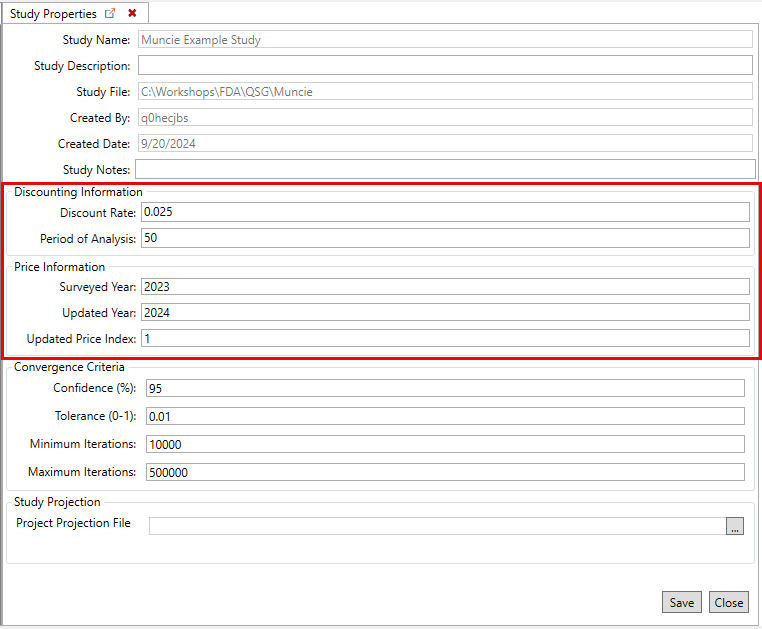
- Users also have the option to set the study projection. Select the Set Study Projection button to open the Study Properties dialog for importing the study projection file.