Now that a simulation has been defined, the linking of model alternatives has been completed for the simulations, and model alternatives have been imported into HEC-WAT, the user is now ready to compute the Russian River watershed.
From the HEC-WAT main window, from the Study Tree, from the Simulations folder, right-click Without Project Conditions-RR_Feb1986. From the shortcut menu point to Compute, hold down the Ctrl key, click Simulation.
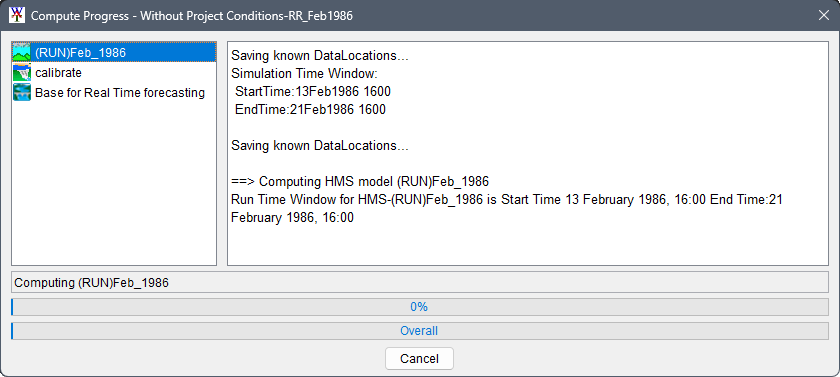
The Compute Progress dialog opens; the left side of the dialog displays the models in the simulation based on the program order. The first to compute is the HMS model.
Next, the ResSim model will compute.
Finally, the RAS model will compute. If the geometry pre-processor is required to be computed, a dialog box for this or several progress bars may show up on the screen.
When the compute is finished, click Close, to close both the HEC-RAS Finished Computations dialog and the Compute Progress dialog box will close. The compute for the Russian River study takes about 12 minutes.