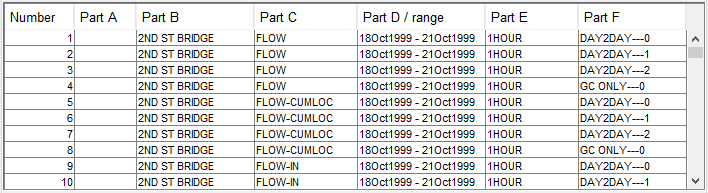
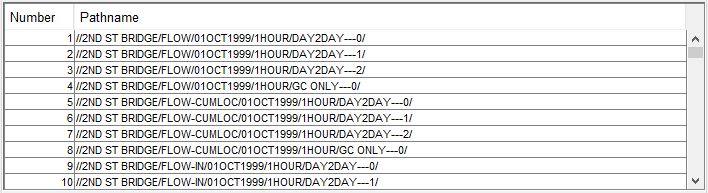
Condensed Catalog ("Figure: Pathname List - Condensed Catalog View")—When in the Condensed Catalog view, DSSVue shortens the pathname list by combining pathnames that vary only by the D-part (start date); thus, the D-part of each "condensed" pathname shows the date range of all the records that share the rest of the pathname parts. Each condensed pathname identifies a DSS dataset (which can contain multiple DSS records).
Figure: Pathname List - Condensed Catalog View
Other Pathname List views available from the View menu include:
No Pathnames—the No Pathnames view is useful when you need to open a very large DSS file but do not need to see any pathnames in the Pathname List.
Unsorted List—like the No Pathnames view, the Unsorted List view is most useful for very large DSS files that could otherwise take a long time to open simply because DSSVue must not only generate the pathname list, it must sort it. This view looks like an unsorted version of the Pathname List view.